DailyWall
Beautiful wallpapers delivered daily to your mac desktop
Key Features
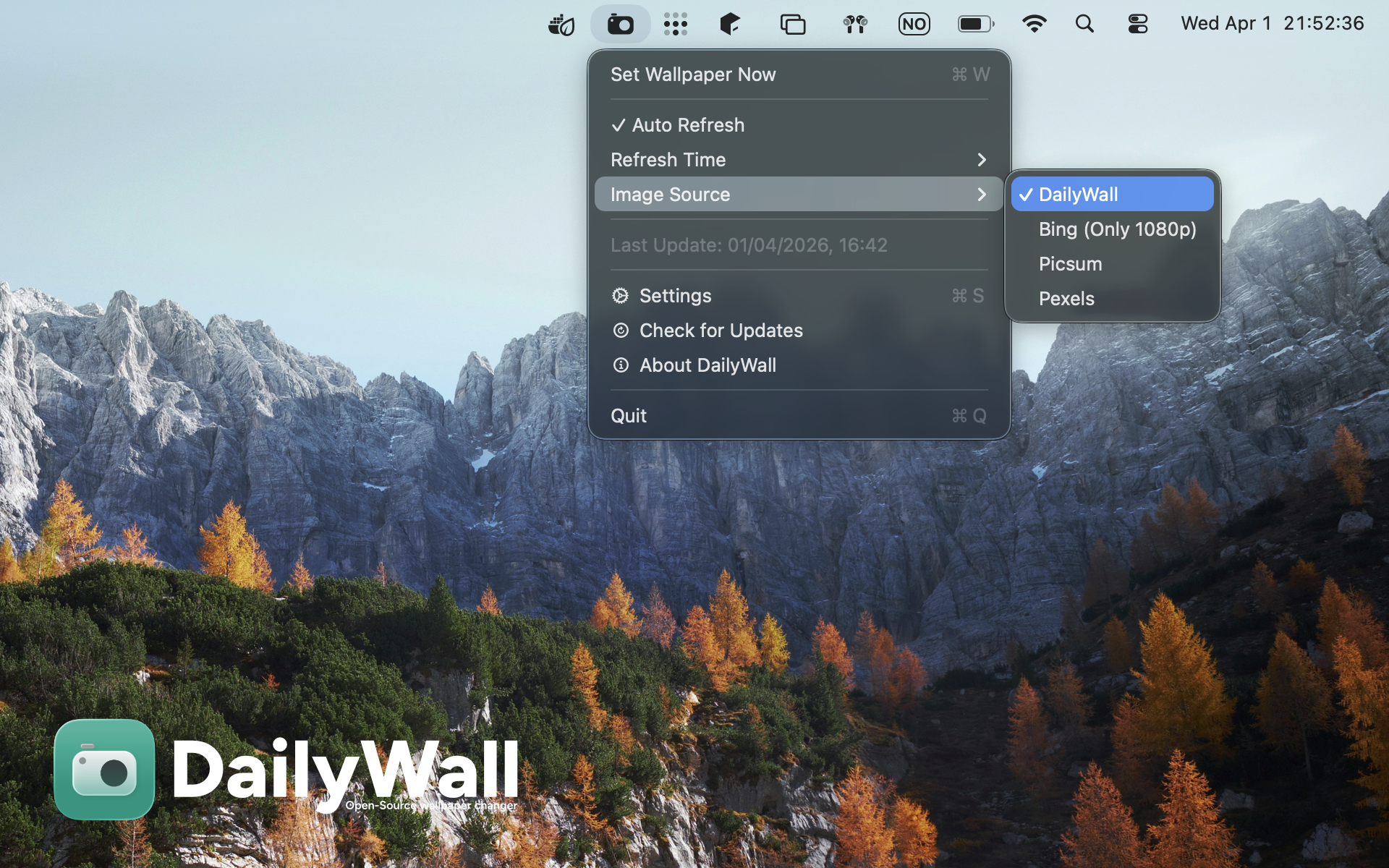
 Multiple Sources
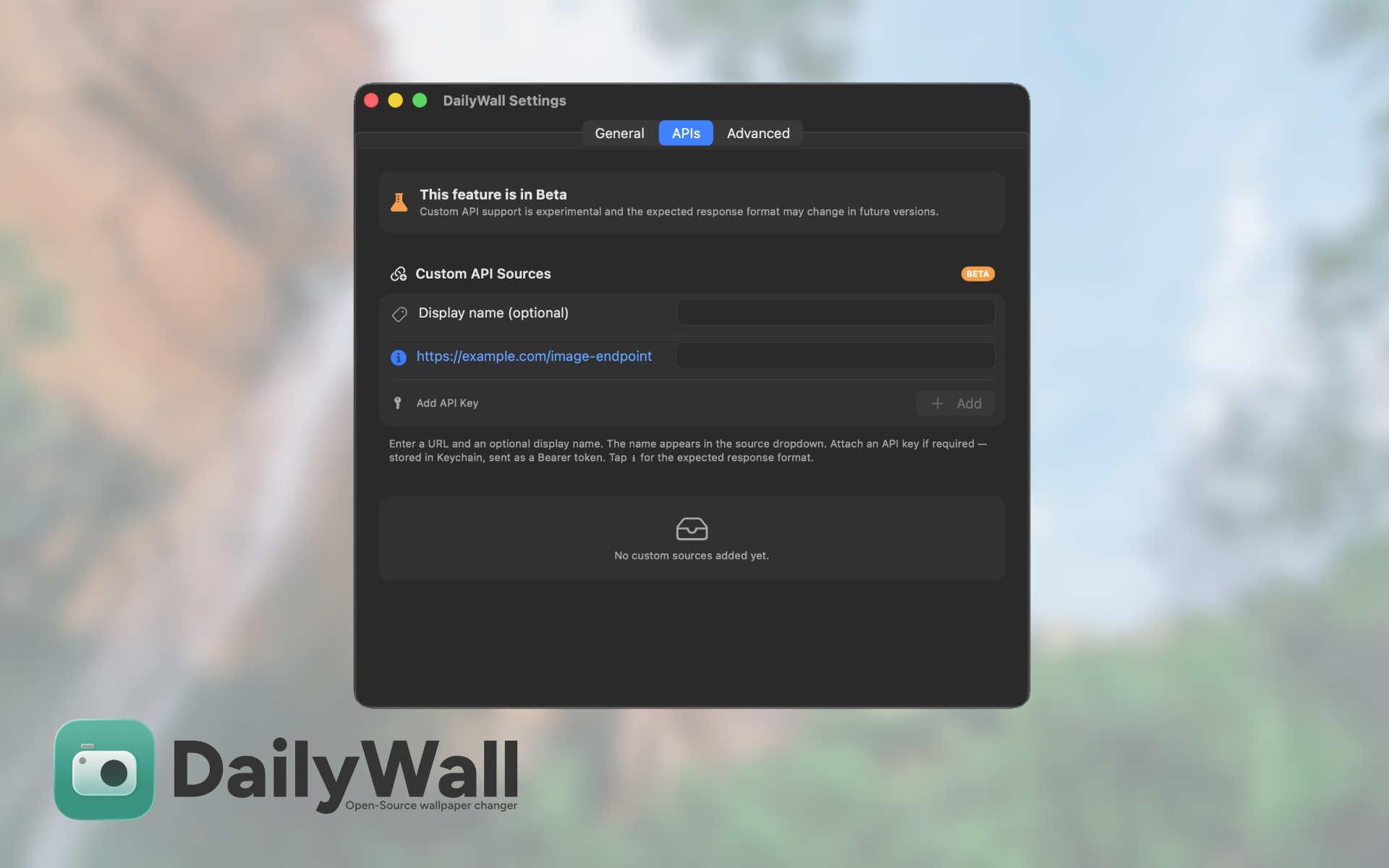
Choose from DailyWall, Bing, Picsum, Pexels, or connect your own custom API
 Smart Scheduling
Daily at your chosen time, hourly refresh, or on wake from sleep
 Multi-Monitor
Seamlessly apply wallpapers across all your connected displays
 Notifications
Get notified each time your wallpaper updates with a macOS notification
 Lightweight
Menu bar app with no dock icon cluttering your screen
 Wallpaper History
Browse and re-apply previous wallpapers whenever you like
 Auto-Save
Automatically save every wallpaper to your preferred folder
 Full Control
Customize fill modes, exclude certain hours, and fine-tune every setting
About
DailyWall is a lightweight macOS menu bar application that automatically updates your desktop wallpaper with beautiful images daily. Choose from multiple curated sources and customize refresh schedules to keep your desktop fresh and inspiring.
Wallpaper Sources
How It Works
DailyWall keeps your desktop fresh and inspiring with automatic wallpaper updates. Simply set your preferred refresh schedule, choose your wallpaper source, and let it run in the background. The app will handle everything else — fetching beautiful new images, applying them to your display, and even saving them for later.
Fully Customizable
Tailor DailyWall to fit your workflow exactly as you need it:
Refresh Schedule
Daily at a specific time, every hour, or on wake from sleep
Exclude Hours
Prevent wallpaper changes during specific times, like when presenting
 Fill Modes
Choose how your wallpaper fits: Fill, Fit, Stretch, Center, or Tile
 Launch at Login
Automatically start DailyWall when you turn on your Mac
Gallery